Your app and your 3D models, on stage.
Create promotional videos and images with professional camera moves. Use our built-in devices or import your own .glb models, right from your browser.
Made with Moqiva
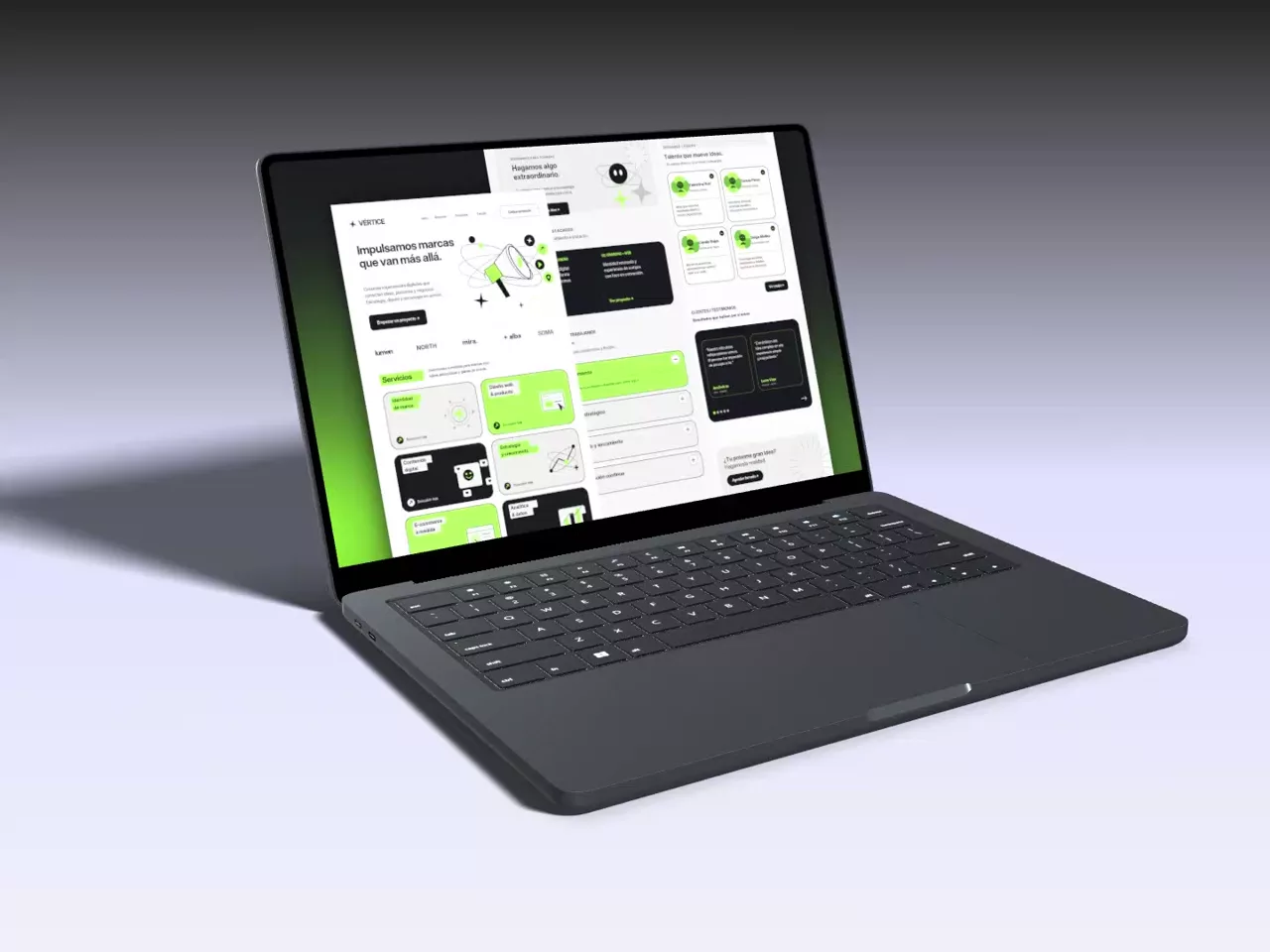
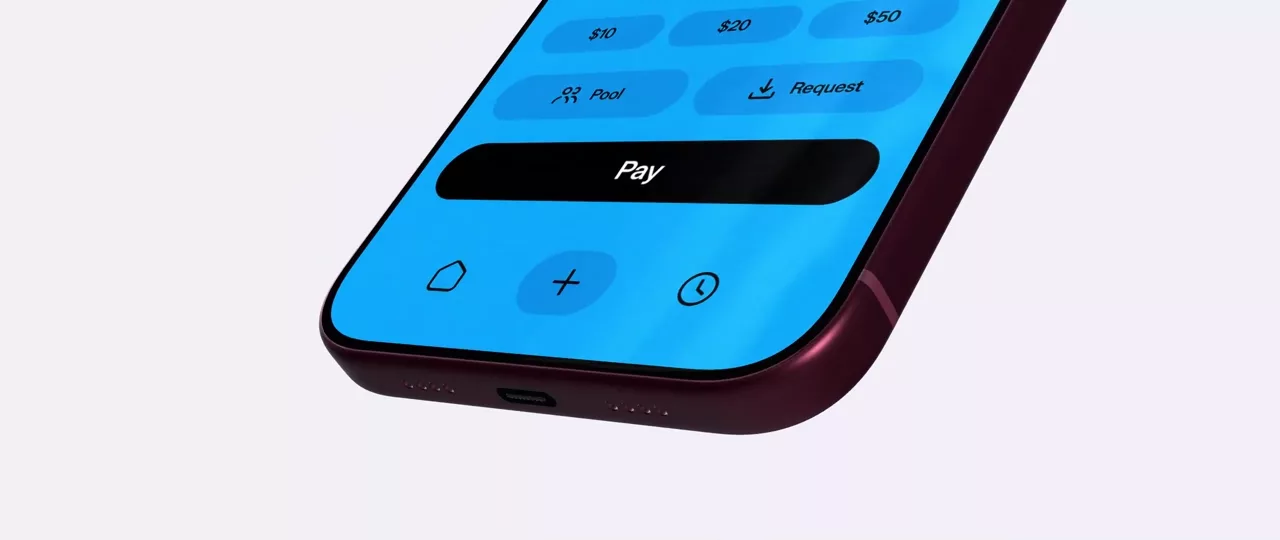
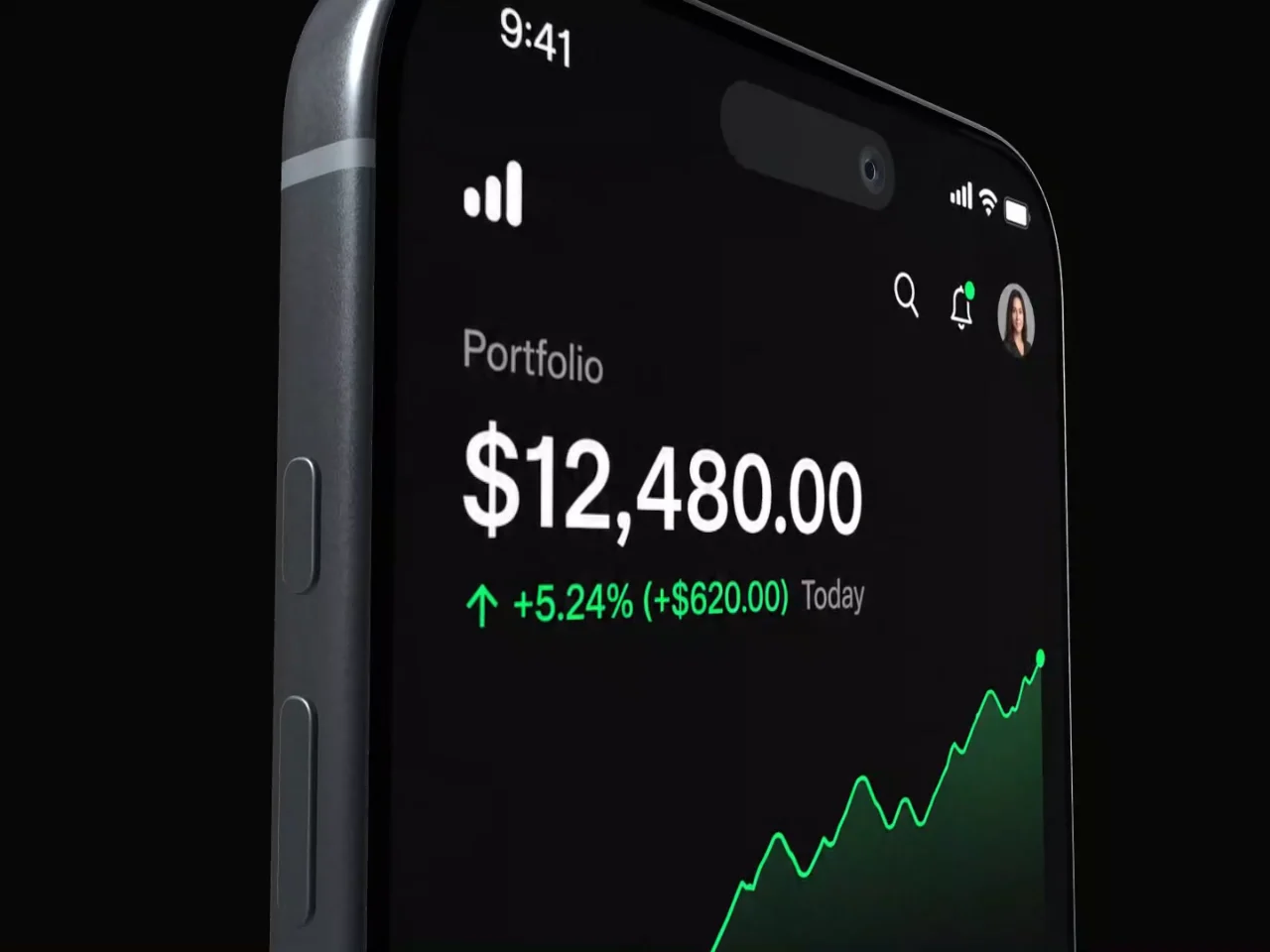
Upload your own 3D models in .glb format.
Import laptops, tablets, watches or any 3D object to create promotional videos and images, and project your recording or screenshot right onto its screen material. Use your own creations or models downloaded from platforms like Sketchfab.
Make sure you hold the required license rights and permissions (such as commercial use or attribution) for every .glb model you upload and export. Sketchfab is an external reference and is not affiliated with Moqiva.
One project, every format.
Switch from a vertical Reel to a widescreen cinema shot in one click. Export in HD, Full HD, 2K or 4K as MP4, transparent WebM or PNG sequence.
From screen capture to studio shot, in three steps
No steep learning curve or complex keyframes: the templates already bring the optics, the lighting and the pacing.
Drop in your screen
Drag a recording or screenshot of your app or website. It fits the built-in 3D phone or laptop automatically; use one or multiple devices in different finishes or import your own .glb models.
Direct the scene
Pick from 16 templates with studio lighting and camera moves. Freely adjust lens and camera angles, interface zooms, animated taps and camera cuts on the timeline.
Export up to 4K
Render right in your browser as MP4, transparent WebM for video editors, a ZIP of PNG frames or a crisp still image.
Free for the community. Your projects stay in your browser.
- No watermark
- Personal and commercial use
- Never uploaded to our servers
- Sign in with Google or GitHub
You are responsible for the content you upload and export: make sure you hold the rights and permissions for the captures, audio and 3D models (.glb) you use.
Built with your feedback.
Moqiva is in active development. Inside the editor, open your account menu (top right) or the keyboard shortcuts window and choose Feedback and reports to suggest improvements or report a bug without leaving Moqiva or needing a GitHub account. Your message is posted to our public board so you can follow its progress and our replies.
Questions, answered
Found a bug or have a suggestion to improve Moqiva? Send it from your account menu inside the editor or on GitHub.
Is Moqiva free?
Yes. You can create and export videos and images for free, with no watermark. You only need to sign in with Google or GitHub.
Do I need to install anything?
No. Moqiva runs in your browser: the 3D, the animation and the export all happen on your computer.
Can I use it on my phone?
You can read this page anywhere, but the editor needs a computer: it uses the computer's graphics to render the 3D and export the video.
Where are my projects saved?
In your browser, on your device. They are not uploaded to Moqiva's servers. You can download any project as a .moqiva file to keep a copy or open it on another computer.
Can I use the videos commercially?
Yes, in personal and commercial projects. You are responsible for what you upload and export, and must hold the rights and permissions for the recordings, images, audio and 3D models (.glb) you use.
What can I export?
An MP4 video (WebM when the background is transparent), a sequence of PNG images in a ZIP for video editors, or a single PNG image, in HD, Full HD, 2K or 4K.
Which devices or 3D models can I use?
The built-in realistic 3D phone and laptop (one or several in a scene, in different finishes) or any 3D model in .glb format you upload—created by you or downloaded from sites like Sketchfab—as long as you hold the license rights and permissions to use and export it.
Where can I send feedback or report a bug?
Moqiva is in active development. Inside the editor, open your account menu (top right) or the keyboard shortcuts window and click Feedback and reports: there you can choose between Send feedback or Report a bug without leaving the app or needing a GitHub account. Your message is automatically posted to our public moqiva-feedback repository on GitHub so you can track its status and read replies.
Your next launch starts here.
Drop in a recording, pick a template and export. Free, right in your browser.
Start creatingOpen the editor